AI-Assisted Workflow
Client
Used in all my recent projects
Category
Workflow
Year
2026
Role
Design & Developer
Overview
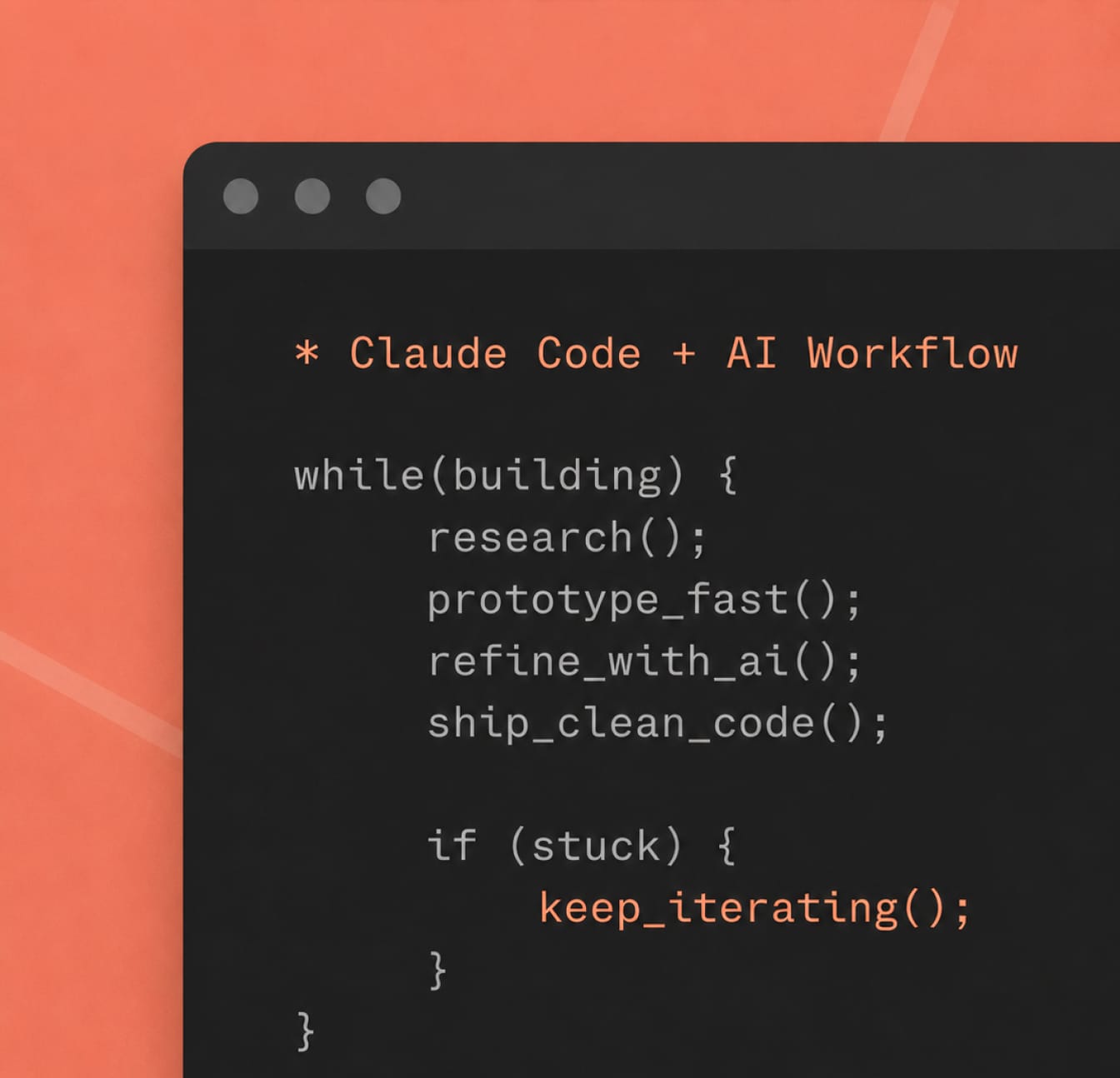
I don’t use AI just to “write code faster”. I use it as part of a structured design and engineering system built around the known weaknesses of LLMs: weak memory between sessions, context degradation, over-engineering and rule drift. The goal is not to let AI decide the product for me, but to create a process where AI can execute at a high level while the direction, taste, judgment and final decisions stay human. In practice, this means using AI across product thinking, design exploration, documentation, code, creative tooling and QA — always inside a defined workflow, not as a random shortcut.
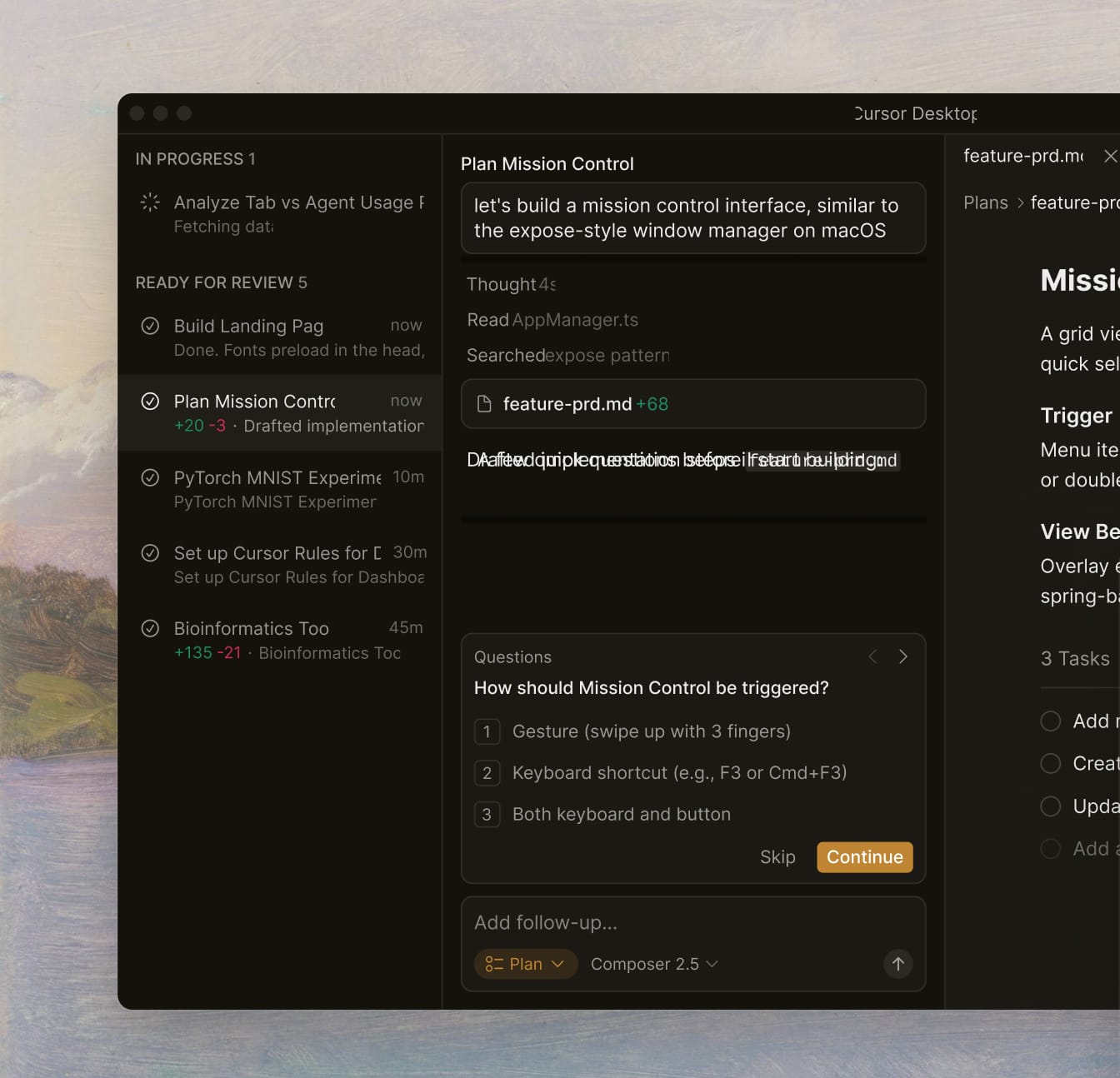
My process is built around three clear roles. I act as the Product Owner, defining what needs to be built, why it matters and whether the solution is good enough. Claude in chat works as an architect and consultant, helping research, plan, simplify and critique decisions before anything becomes code. Claude Code is the executor inside the repo, implementing approved plans, following project rules and documentation as it works. Every meaningful feature goes through a spec-driven process: Research → Plan → Implement. Research maps what already exists. Plan defines exactly what should change. Implementation only starts after the plan is reviewed. Between phases, I clear context so each step starts fresh and the model does not silently degrade as the conversation gets too full.
The same logic applies to design. For many projects, I build small internal creative apps to generate visuals, images, videos, effects, covers, textures or motion studies instead of doing every exploration manually in traditional design tools. Sometimes these are custom tools made for one specific visual system; sometimes I use tools and starters like Toolcraft to move faster. The point is not to replace design taste, but to create better surfaces for experimentation: sliders, controls, presets, export options and reusable parameters that let me explore a visual direction quickly while still keeping control over the final output. This is especially useful for brand assets, generative visuals, blog thumbnails, animation references and interface graphics that need to feel consistent across a project.
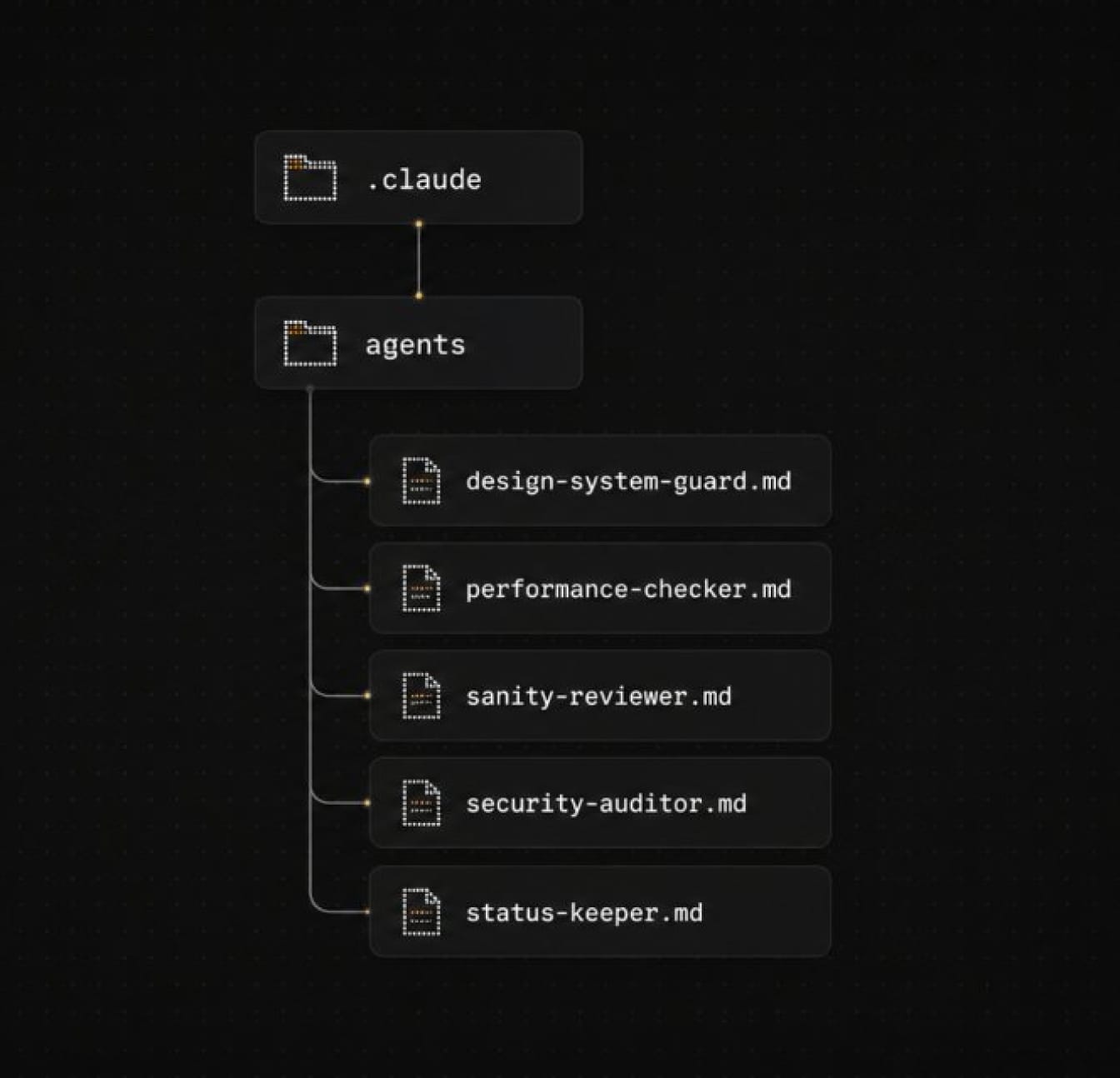
To keep the system reliable, I use living documentation as external memory. STATUS.md tracks where the project is, what is blocked and what comes next. CONTEXT.md explains what exists inside each folder. SPEC.md defines what a feature should do. CLAUDE.md and AGENTS.md hold the rules the AI cannot break. I also use reusable Claude Skills and specialized subagents for recurring areas like spec-driven development, Webflow conventions, marketplace validation, security, performance, design systems, Sanity schemas and project status. The result is a workflow where AI is powerful, but not uncontrolled — a system where process, documentation, creative tooling and guardrails turn raw AI output into production-ready work.